
Independo sharing
Share your calendar
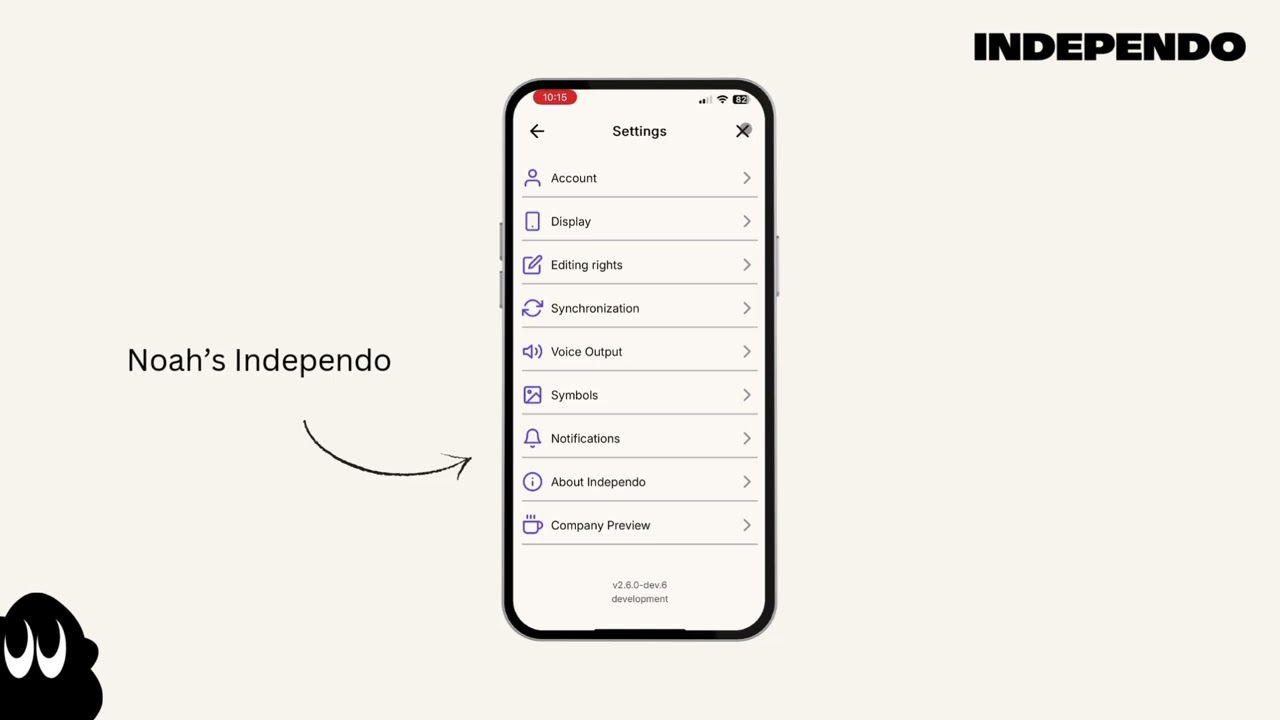
Section titled “Share your calendar”- Click on the Gearwheel icon in the top right corner
- Select Synchronization
- Select Independo Calendar
- Select your calendar and then click on the “Share” button
- Share your calendar via QR code, pass code or link
Import a calendar from others
Section titled “Import a calendar from others”- Click on the Gearwheel icon in the top right corner
- Select Synchronization
- Select Independo Calendar
- Click on the plus button
- Scan the QR code or enter the pass code and confirm