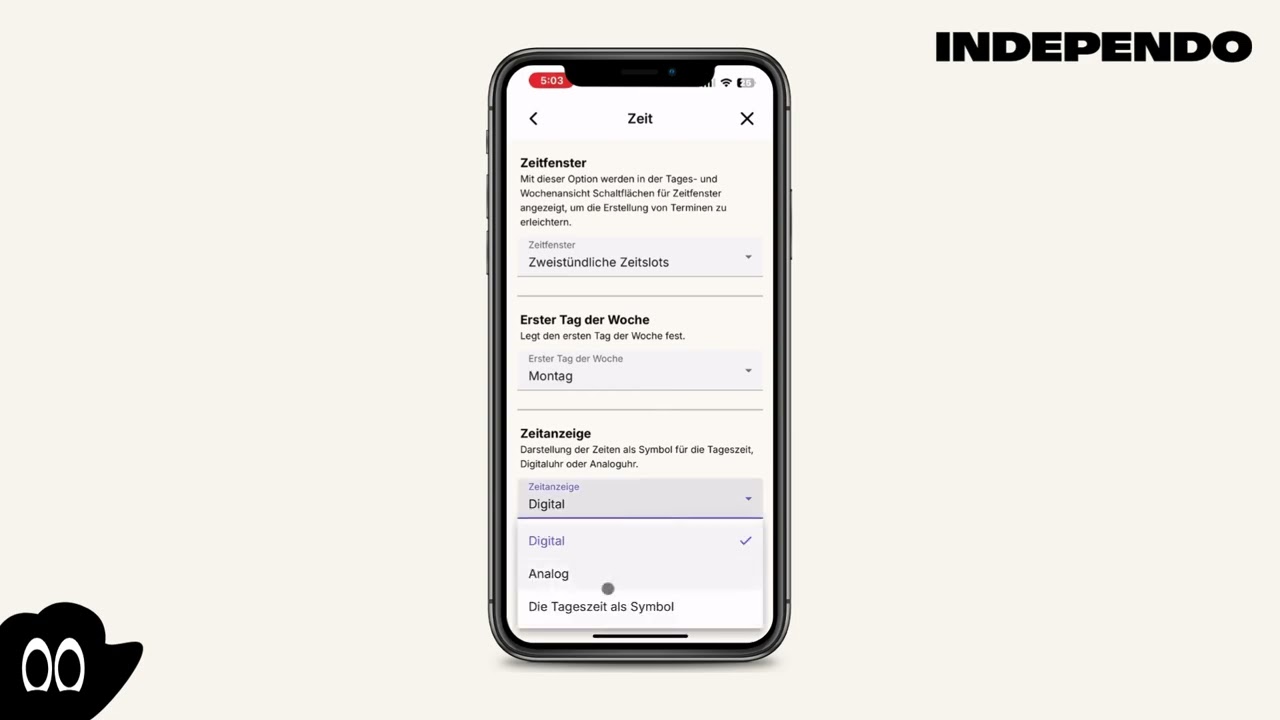
Time display
Select the time display
Section titled “Select the time display”- Click on the Gearwheel icon in the top right corner
- Select Display
- Select time
- In the “Time indicator” selection, choose between digital, analog or time of day
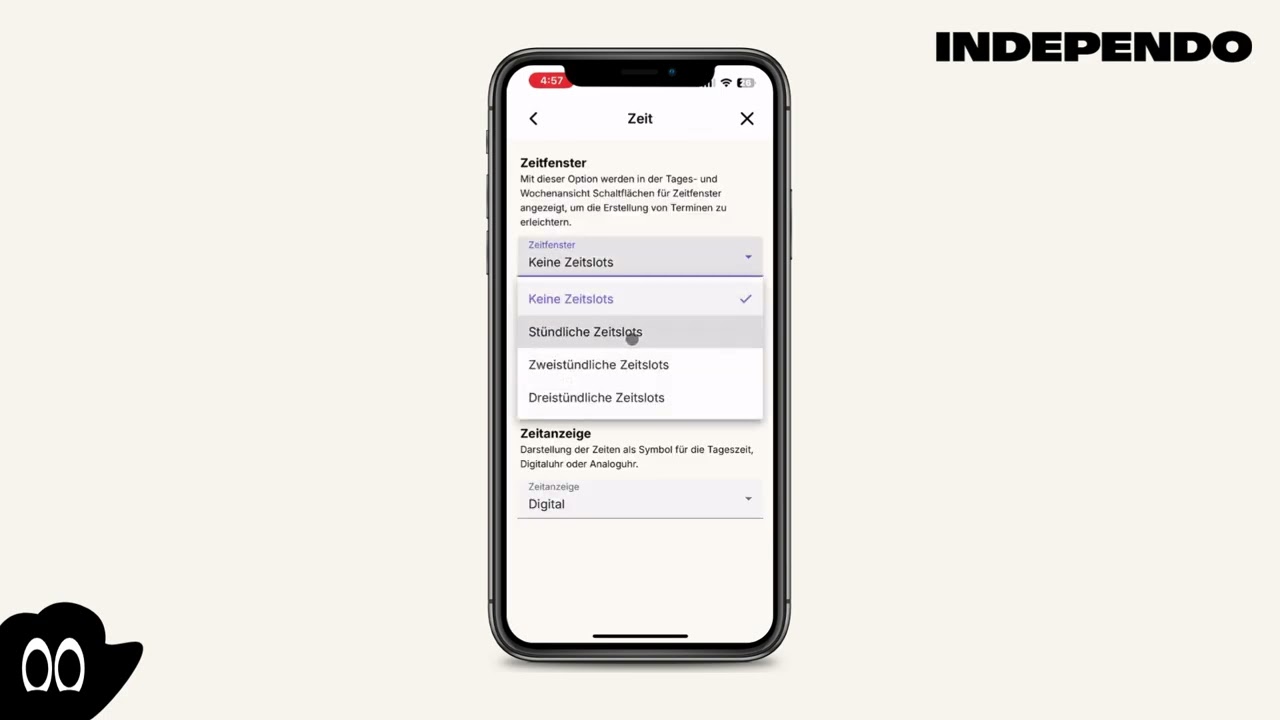
Optional help time slots
Section titled “Optional help time slots”- Click on the Gearwheel icon in the top right corner
- Select Display
- Select time
- In the “Time slots” selection, choose between none and 1,2 or 3 hours